Streamlined Inventory & Product Catalog
Shift4Shop's built-in inventory management software is perfect for all eCommerce stores
The industry's best eCommerce inventory management software. Add, edit, manage, and track products with an easy-to-use web-based interface
Shift4Shop makes it easy to manage any amount of inventory, whether your business is a brand-new startup or an established enterprise with thousands of products. Create products one at a time with no HTML knowledge required, or upload them in bulk — it's that easy.

Organized, Complete Product Information
Unlike many other eCommerce platforms, Shift4Shop provides you with both the tools and the space to include all your product information in an organized way. Display important features and details in a bulleted list for at-a-glance information, with room for a keyword-rich product description below. Customizable tabs allow you to create additional sections for technical specifications, instructions and other reference information, and much more. Your customers never need to be in the dark about what they're buying.
Bulk Product Import and Export
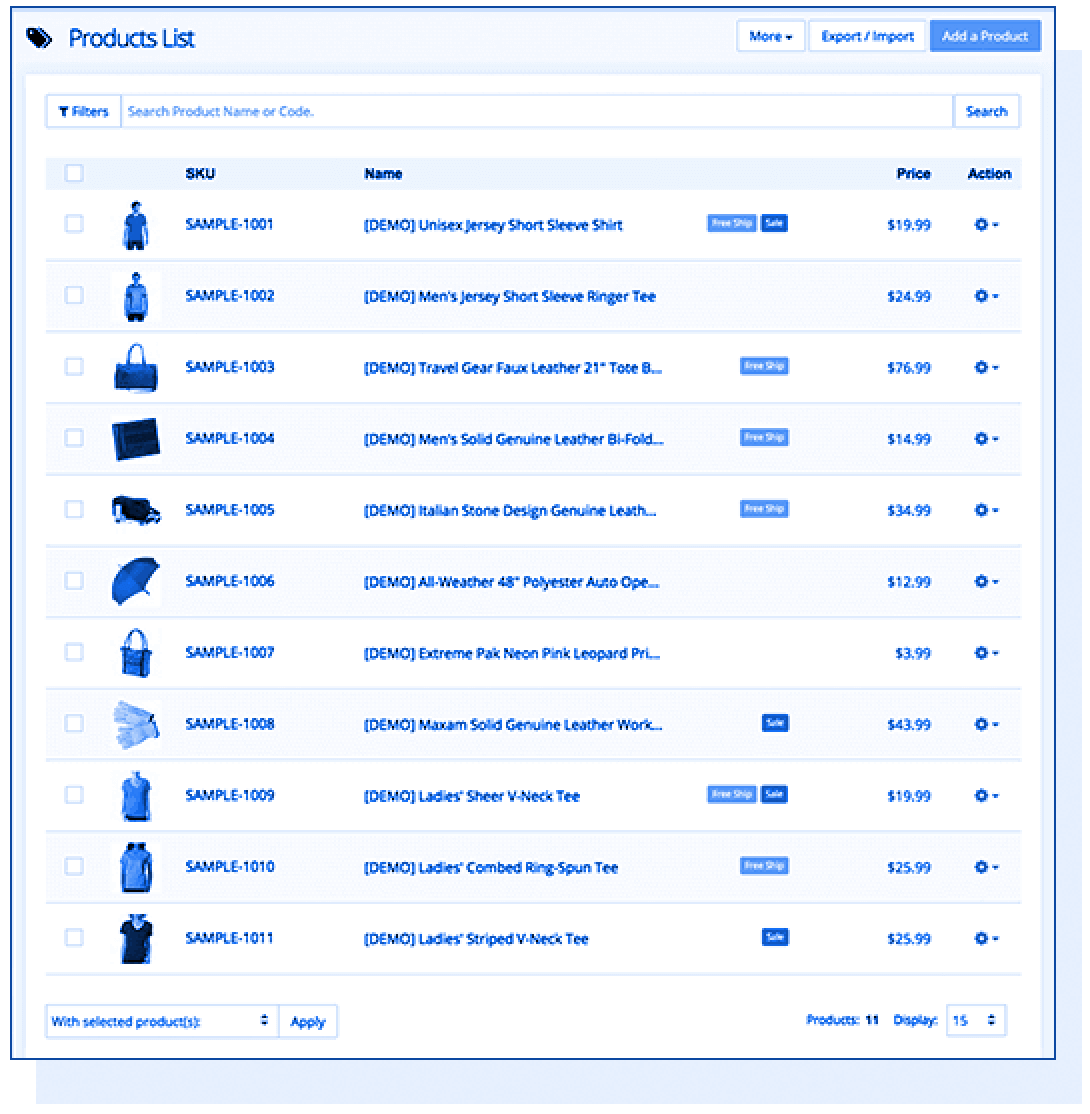
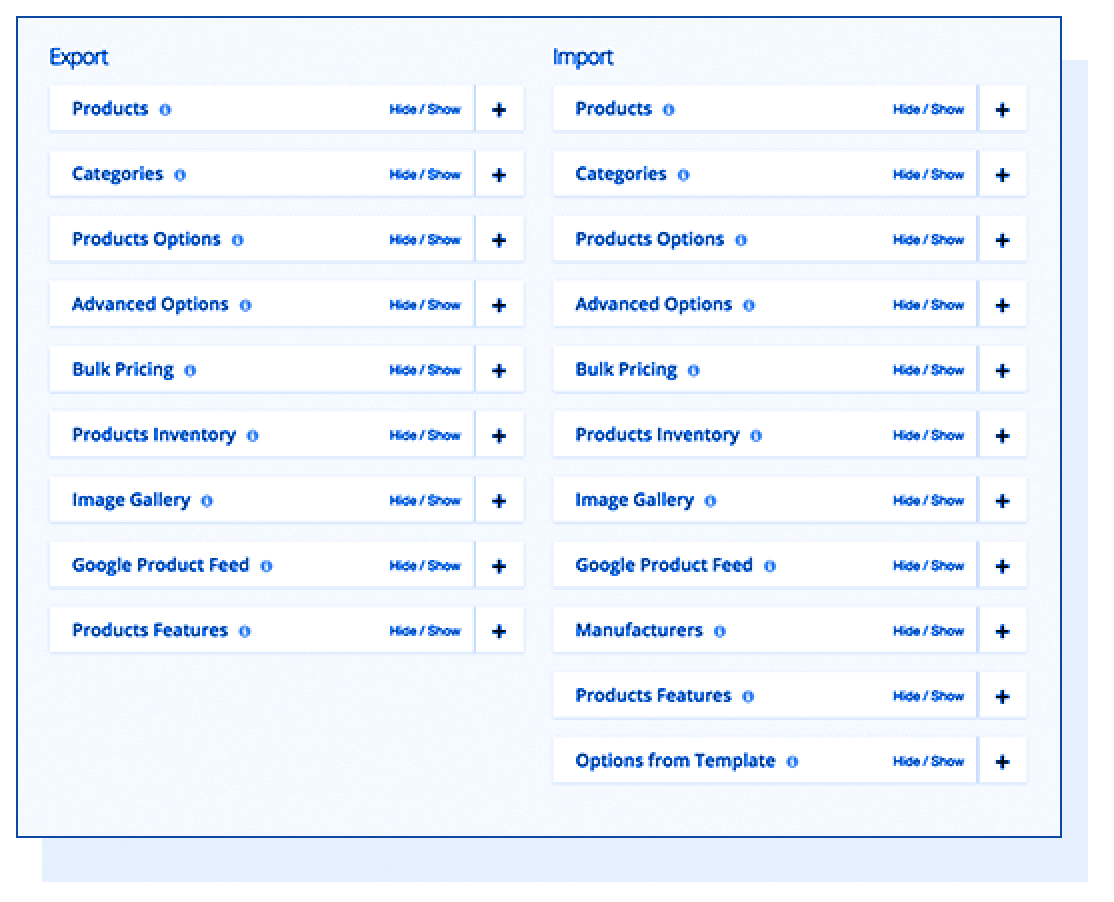
Want to add tons of products to your store at once, or export their data for any purpose? Shift4Shop makes this simple via CSV (Comma-Separated Value) files. Download our sample CSV and fill it with your product information, and then upload it into your store. To export products, your store can generate a similar CSV file ready for use how you see fit. You can choose how you receive the file, and the export takes place in the background so you can continue working.
Bring Your Products to Life with Images and Video
Shift4Shop gives you unlimited hard disk storage and bandwidth, so there are no restrictions on how much media you can upload to your product pages or how often that media can be viewed. This means you're free to enhance your product pages with as many high-quality product images and video as you see fit.

Unlimited Product Images
A single photo is rarely enough to sell a product. With Shift4Shop, it's easy to add multiple product images so you can showcase every item from multiple angles, represent every one of your product options, and still have room for lifestyle photos — images that show your products in a live setting, being used by people. They're the best way to get customers to imagine themselves owning your products, so they're essential (making it even more important to have unlimited space)!
Dynamic Zoom
Your product photos have built-in zoom capabilities, allowing customers to closely inspect every detail. This is especially important for certain product types, when a customer's buying decision depends on whether or not they like the texture, stitching, or other fine points they'll only be able to see with zoom. Your unlimited disk space means your photos can be as high-resolution as necessary to preserve all these crucial details.
Embedded Video
They say a picture is worth a thousand words, so how about a video showcasing your product? Well, based on our “back of the napkin” calculation here, about 124,500 words! Include videos of your product in use (much like an enhanced version of lifestyle photos), assembly guides, instructional videos, and more.
Unlimited Product Options and Variants
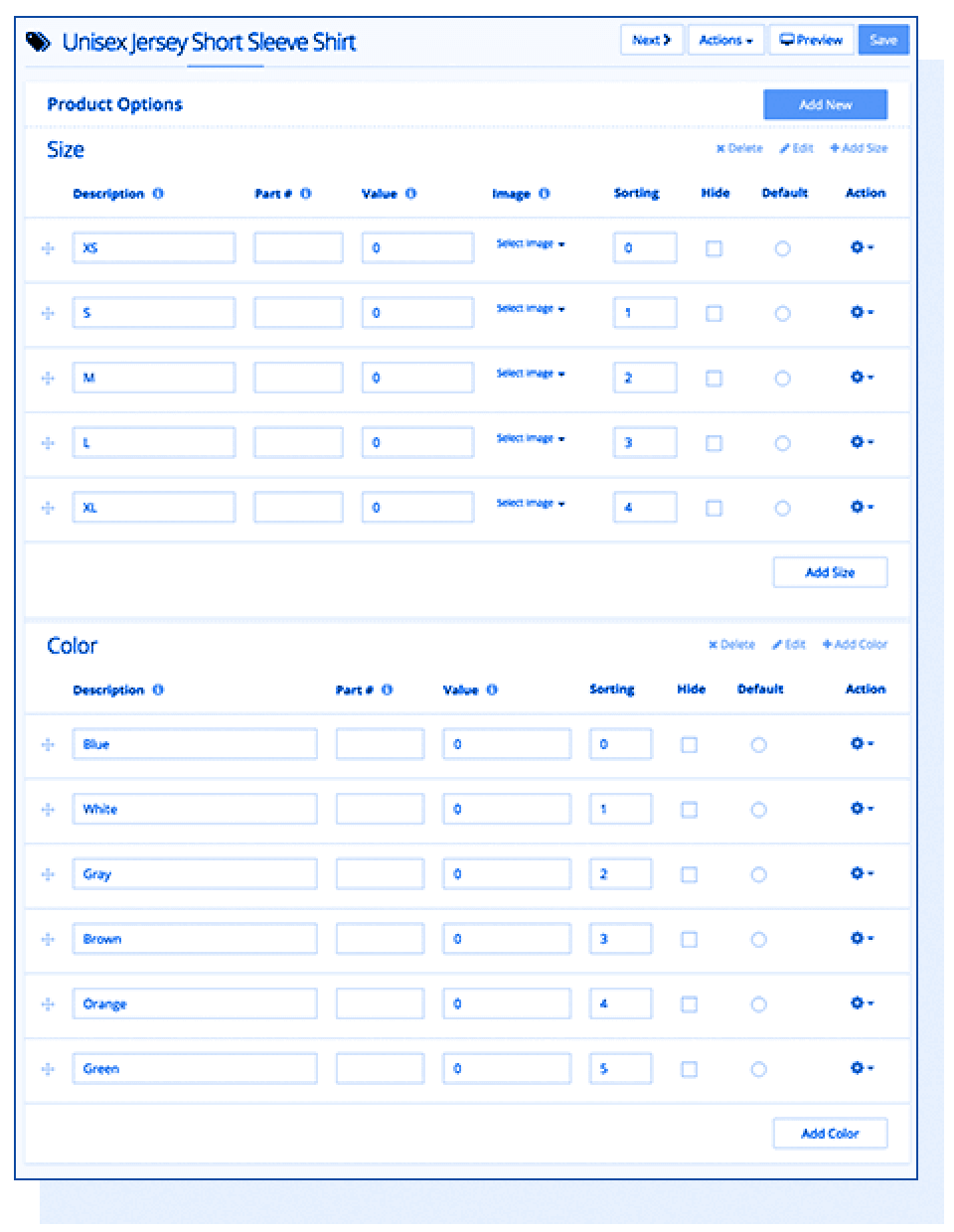
Some platforms restrict the number of options and/or variants for each product, such as size, color, and material. Running out of options means you'll need to split a product into multiple products, which confuses customers and hurts your sales. But Shift4Shop allows as many product options and variants as necessary, so you'll never face these problems.
Advanced Options for Product Variants with Unique Needs
Product options become even more customizable with Shift4Shop's Advanced Options feature. Does a certain product variant cost more to produce or ship? Adjust the price of that option without needing to change others. Need to track a certain product option's inventory separately? Advanced Options allows this as well. With Shift4Shop's Advanced Options, you can treat any product variant almost as a separate product, without splitting it into its own product page.
Option Templates to Assign Options to Multiple Products
If you have numerous products with the same types of options, like hundreds of shirts that all come specifically in Small, Medium, Large, and X-Large, Option Templates provide a fast way to assign all the needed options to multiple items. You can choose to copy the options from the template to the item, or simply link the product to the template. All products linked to a template will inherit the changes you make to the template, making it simple to update tons of items at once — so if your shirts became available in an additional size, just add the new size to the template to apply it to all the linked products at once. A massive time-saver!
Powerful, Unlimited Categorization
A great category structure is vital for your customers' browsing experience. Shift4Shop allows for unlimited categories and subcategories, so even the largest eCommerce selection can be broken down into an easy-to-navigate format that makes shopping a breeze.
Attract Customers with Dynamic SmartCategories™
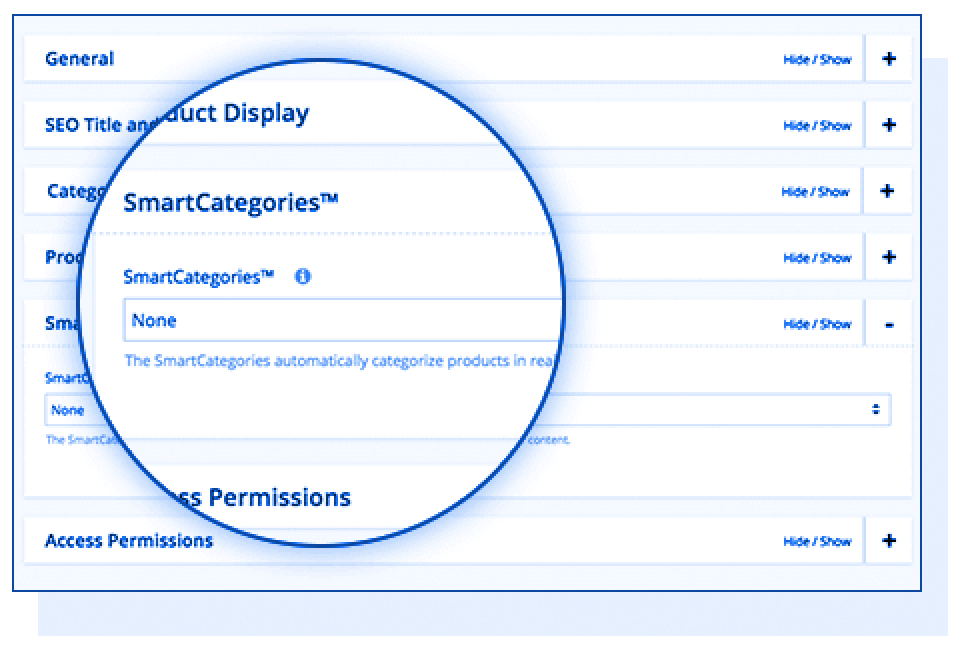
SmartCategories™ classify your products in real time based on details such as active discounts, release date, free shipping, and more. This means simple, automatic generation of an "On Sale" category page to bring all your discounted items together, a "New Releases" page to automatically display your latest products, and an instant "Free Shipping" items page. You can also create keyword-based SmartCategories™ to immediately build a page of products with the specified keyword in their description.
Increase Order Value with Upsell and Cross-sell Features
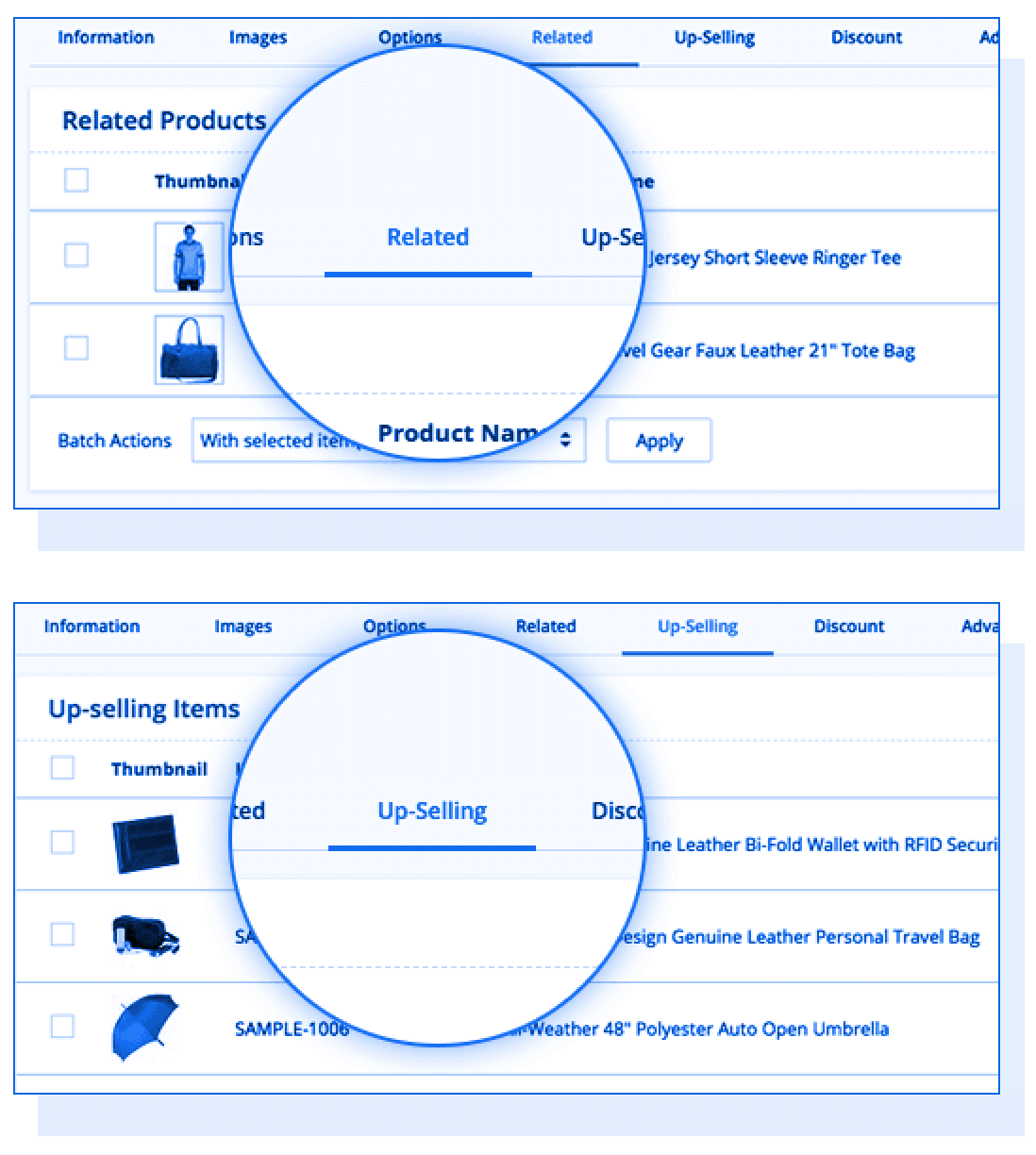
Get the most out of your traffic by promoting additional products during the customer's shopping experience. Shift4Shop includes built-in upselling and cross-selling tools so you can offer upgrades to purchases for upselling, as well as displaying Related Items directly on the product page for cross-selling.
Additionally, you can create product bundles which are great for upselling. Build a bundle that includes a product and all its accessories, apply a small discount, and offer it as an upsell product. Many customers will jump at the chance to get the bundle instead of the product alone — even if it means a more expensive order!
Product Comparisons
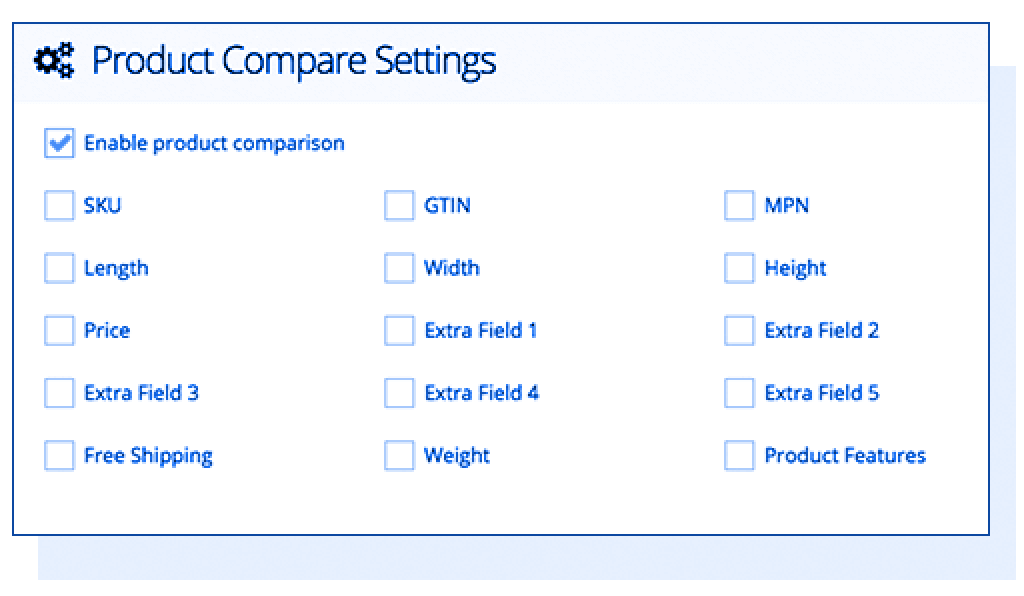
Anyone who has ever gone shopping has needed to compare products before making a decision. Shift4Shop's Product Comparison module lets customers compare up to 4 products side-by-side across multiple configurable data points, including size, price, features, and more.
The Ultimate in Inventory Tracking and Control
Shift4Shop provides a robust set of features for inventory control and stock tracking. Add custom SKUs and other product identifiers like GTIN and Manufacturer's Part Number as needed. Your stock numbers are always tracked, and are even synchronized across multiple channels like Amazon and eBay so you can dive into multichannel sales without worry.
Detailed Stock Counts, Stock Alerts, and Out-of-Stock Settings
Shift4Shop's Stock Counts are as informative as possible, so you'll never be confused when determining how much stock you have. Every product displays a Stock Count that updates automatically as orders come through, along with a detailed Inventory Log for each product.
The Stock Count accounts for all the inventory in your warehouse and informs you how much of your present inventory has been sold. To take unprocessed orders into account, an On Hold indicator appears alongside the Stock Count when some of your stock is still present but unavailable for purchase. So, if f you have 100 of a product, and 5 have been ordered but those orders haven't yet been processed, your Stock Count will display 95 (+5 On Hold) — crucial information many other eCommerce platforms leave out.

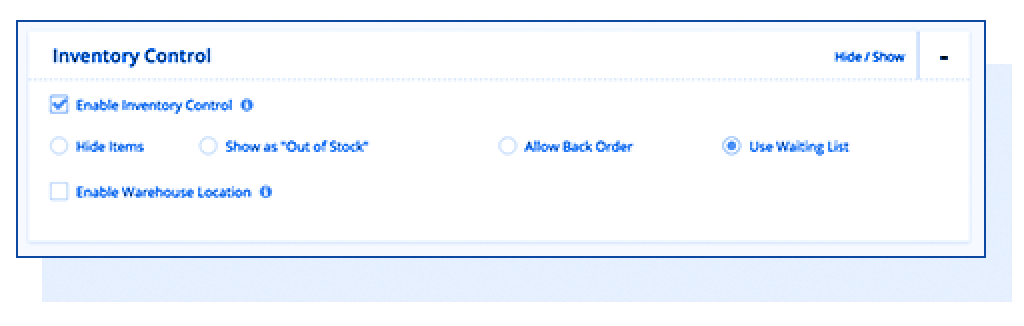
Customizable Stock Alerts inform you when you're running low, so you'll have time to replenish a product — and should you run out of stock anyway, you have several options that you can configure on a storewide or per-product basis. Let customers back order or sign up for a Waiting List, or opt to simply hide the product. As soon as you add more to your stock, your Waiting List customers are notified and your product pages automatically update to reflect that the item can again be purchased normally.
Simplify Reordering with Purchase Orders
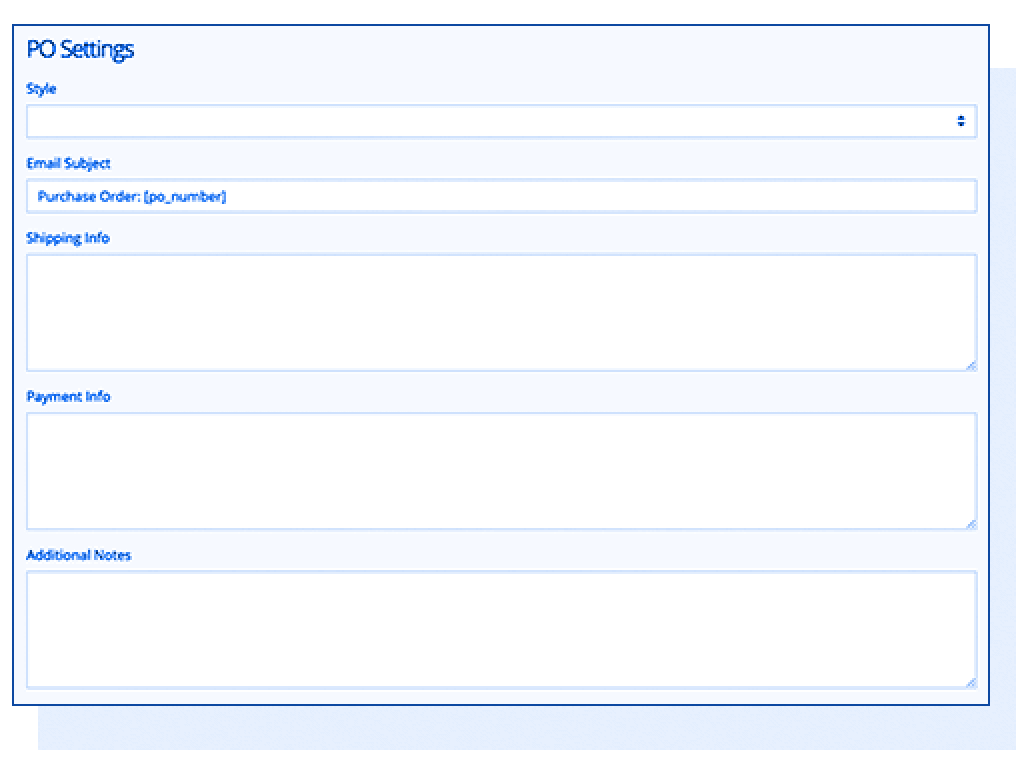
Shift4Shop's Purchase Order system automatically generates Purchase Orders when your stock falls below a configurable level. You can then send the Purchase Orders to your distributors right from your dashboard. When the shipment comes in, you can restock your inventory from the same interface. This is a massive timesaver for every store that relies on distributors for stock!
Detailed Product Reports
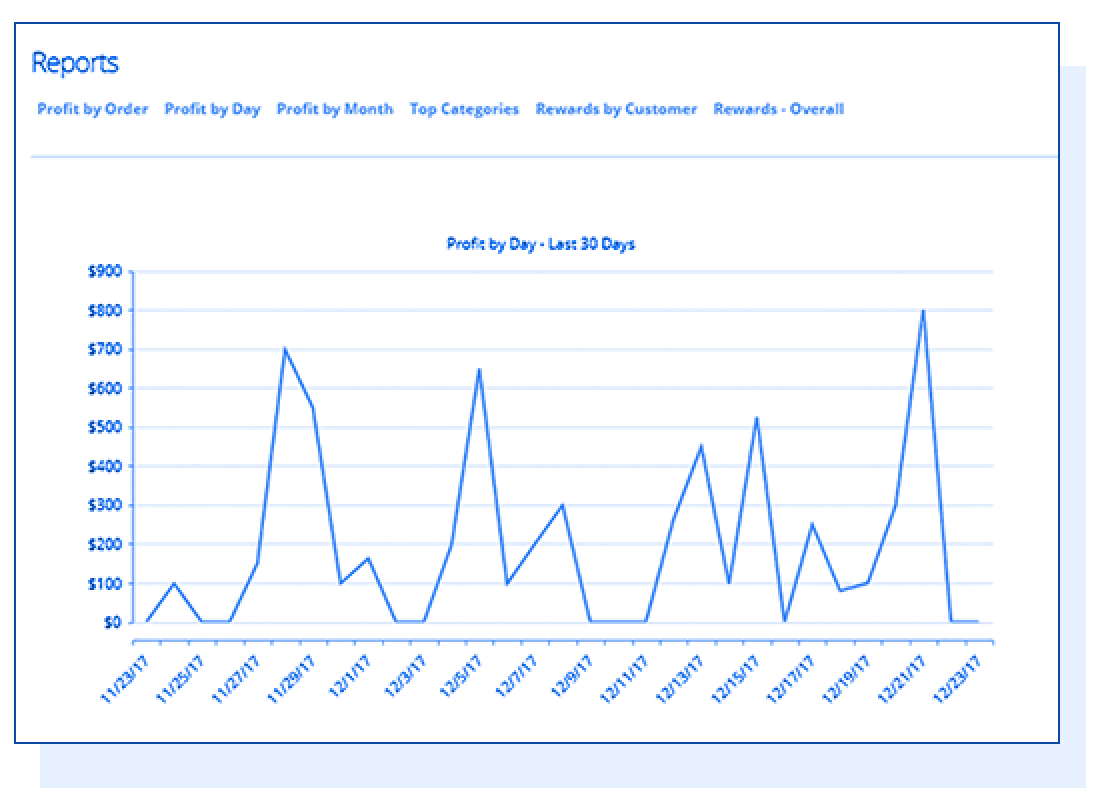
Your products' performance is never a mystery with Shift4Shop. Our built-in advanced reporting system gathers tons of information to help you identify your strongest sellers, as well as your areas for improvement. See your top sellers and view and analyze the performance and total profits of individual products.
Advanced Inventory Control Features
Need even more functionality for inventory control? Expand your tool set with advanced features that fit the unique needs of your business, like warehouse management, barcode scanning, inventory synchronization across multiple stores, and more. Set up a Stock Buffer to keep backup inventory on hand. Use the Reserve Inventory feature to protect fast-selling items from being snatched from customers' carts before checkout. Access all the advanced inventory management tools of your favorite software by connecting it to your Shift4Shop store. You'll never find a more powerful or customizable eCommerce platforms.
Sell Digital Downloads
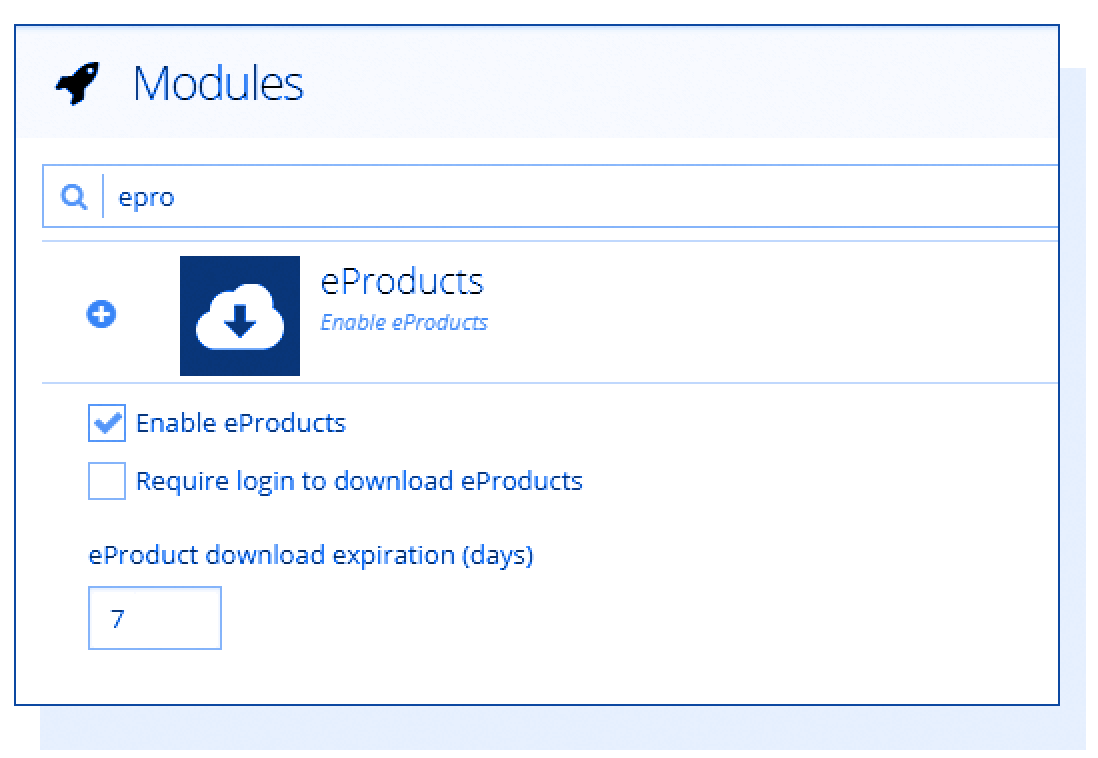
Want to sell music, games, ebooks, or other digital content? No problem! Shift4Shop has everything you need to sell eProducts. When a customer purchases one of your digital products, they automatically receive an email with an encrypted download link, saving you the trouble of distributing your content manually. Download links can be assigned an expiration date, and you can also require customers to log into your store before downloading. Unique serial numbers can also be added for each purchase.
Sell Gift Certificates
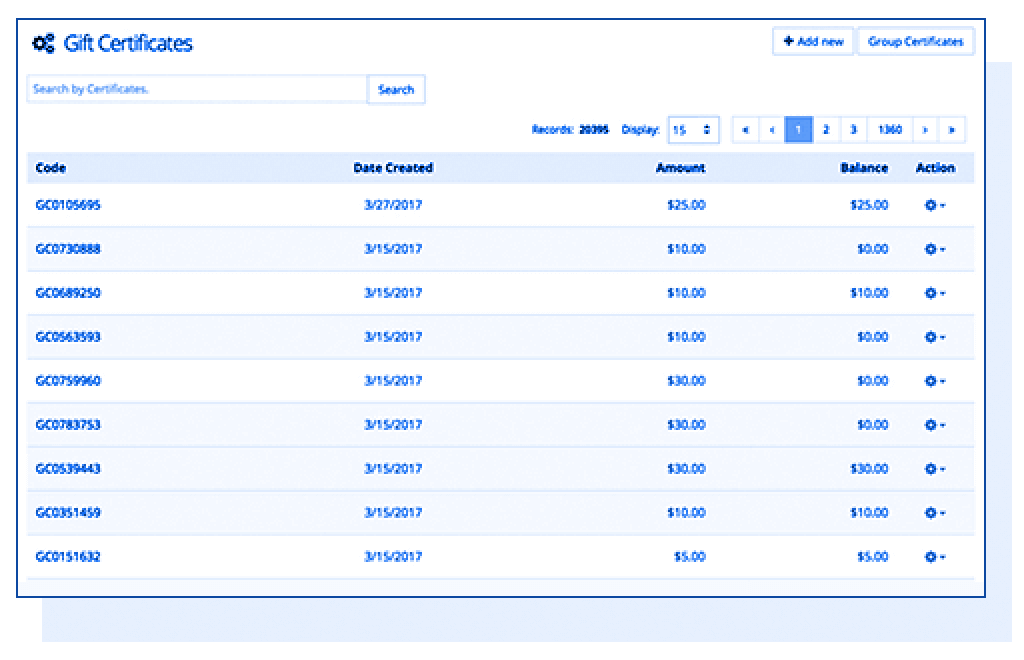
Draw more customers to your store with an easy-to-use Gift Certificate system. Create Gift Certificates for predefined amounts just as you would create any other product. You can also create Gift Certificate codes in bulk, or even create unique codes to privately send to a specific customer. To use a Gift Certificate, the customer simply types in the code during checkout.
Quantity Discounts
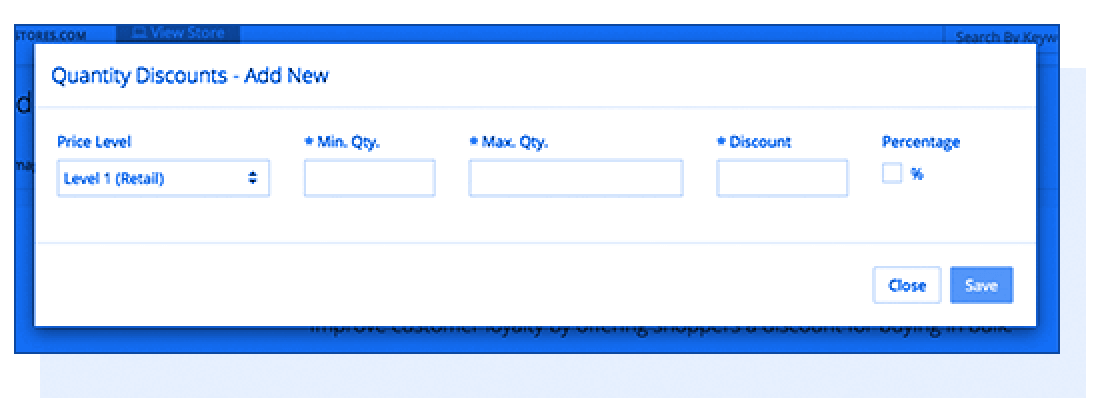
Offer your customers a discount for bulk purchases! Shift4Shop's Quantity Discount feature is highly configurable so you can offer different pricing for several quantity ranges and limit your quantity discounts to specific customer groups — making it easy to sell B2B and B2C from the same online store.
Get Higher Search Rankings with User-generated Content
Great SEO is essential for success in eCommerce, and adding fresh content to your product pages will help them rank higher. Since product information isn't likely to change often, the best source for fresh content is your customers!

Customer Reviews
Make it easy for customers to review your products with Shift4Shop's built-in review system. Reviews include star ratings and can be rated for helpfulness, sending the best to the top. You can limit reviews to verified buyers, enable a CAPTCHA, and approve reviews before they go live to help prevent abuse. In addition to refreshing your product pages with new content, reviews are also a valuable source of social proof for customers considering a purchase.
Product Questions & Answers
Let customers post questions about products right on the product page, where they can be answered by other customers or by your staff. Not only is this feature very helpful, it also brings your online store to the same level of sophistication as large retailers like Amazon, Best Buy, and other websites with this feature.